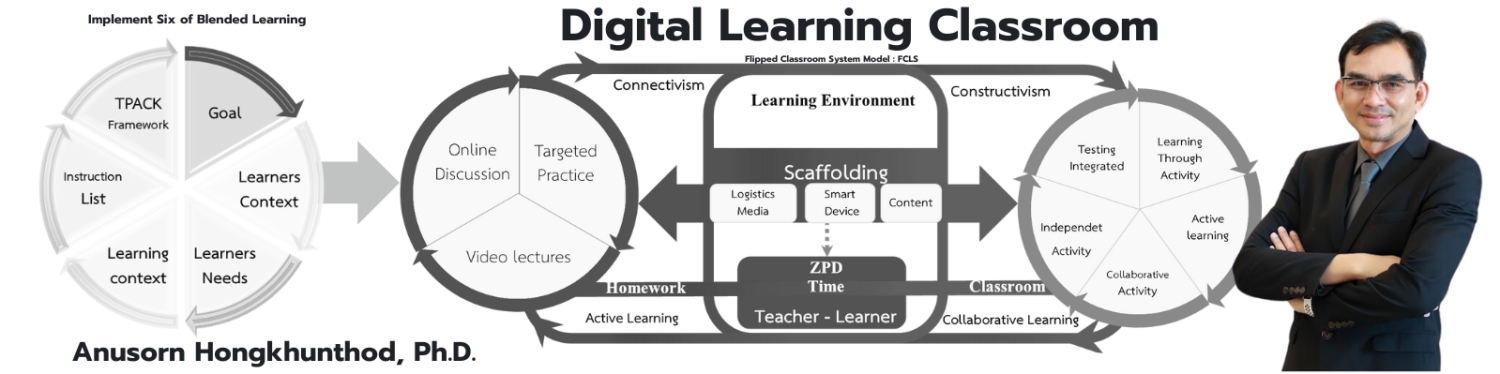
Digital Learning Classroom
Scratch

หน้าต่างการทำงานของโปรแกรม Scratch 3

แชร์เรื่องนี้

หน้าต่างการทำงานของโปรแกรม Scratch 3

1. ที่ใช้เปลี่ยนภาษาของโปรแกรม Scratch  และเมนูต่าง ๆ

2. กลุ่มแถบเครื่องมือสคริปต์

3. พื้นที่แสดงรายการตัวละคร และเวที

4. เครื่องมือที่ใช้ในการประทับตราตัวละคร

5. แสดงข้อมูลของตัวละครที่เลือก

6. เริ่มและหยุดการทำงาน

7. การแสดงผล

หน้าต่างเครื่องมือการทำงาน

 กลุ่มแถบเครื่องมือ Code

 กลุ่มแถบเครื่องมือ Costumes

 กลุ่มแถบเครื่องมือ Sound

Comments

comments

Powered by Facebook Comments

This website stores cookies on your computer. These cookies are used to provide a more personalized experience and to track your whereabouts around our website in compliance with the European General Data Protection Regulation. If you decide to to opt-out of any future tracking, a cookie will be setup in your browser to remember this choice for one year.

Accept or Deny

ติดต่อ ดร.อนุศร หงษ์ขุนทด
error: Content is protected !!